Full evaluation
Full product available for instant evaluation in a demonstration company. Purchase a subscription by credit card to instantly enable the software on a live company.

 YOUR SPREADSHEETS. MORE POWERFUL.
Enter it once in Excel.
Let PostTrans take it from there.
Turn a familiar spreadsheet into a faster way to enter transactions. Prepare a single order with its header and detail lines, or bring multiple transactions together in one sheet—without retyping them into your accounts system.
Use your own Excel templates, formulae and lookups to prepare the data, then import into one or multiple companies.
 So many possibilities....
YOUR SPREADSHEETS. MORE POWERFUL.
Extract it. Edit it.
Push your changes back.
Bring existing records from Sage 50, Sage 200 or Xero into your Excel sheet. Make your changes in one familiar place, then use PostTrans to update your accounts system—without opening and editing every record individually.
Use Excel formulas, fill-down and lookups to make bulk changes, prepare new products or keep your records up to date.
Sage 200 also supports
Available record types depend on your accounting system.
Save hours editing laborious data.
 50 / 200Product price update.xlsxEXCEL
| Code | Product | Current £ | New £ |
|---|---|---|---|
| KEY001 | Keyboard | 18.00 | 19.80 |
| DSK002 | Storage drive | 7.20 | 7.92 |
| PC002 | Desktop PC | 585.00 | 643.50 |
Changes sent back to your accounting system.
Microsoft Excel50 & 200Familiar tools.
Working better together.
LESS THEORY. MORE DOING.
Watch a Journal and Invoice/Order posting to multiple companies all from Excel.
Watch the full demo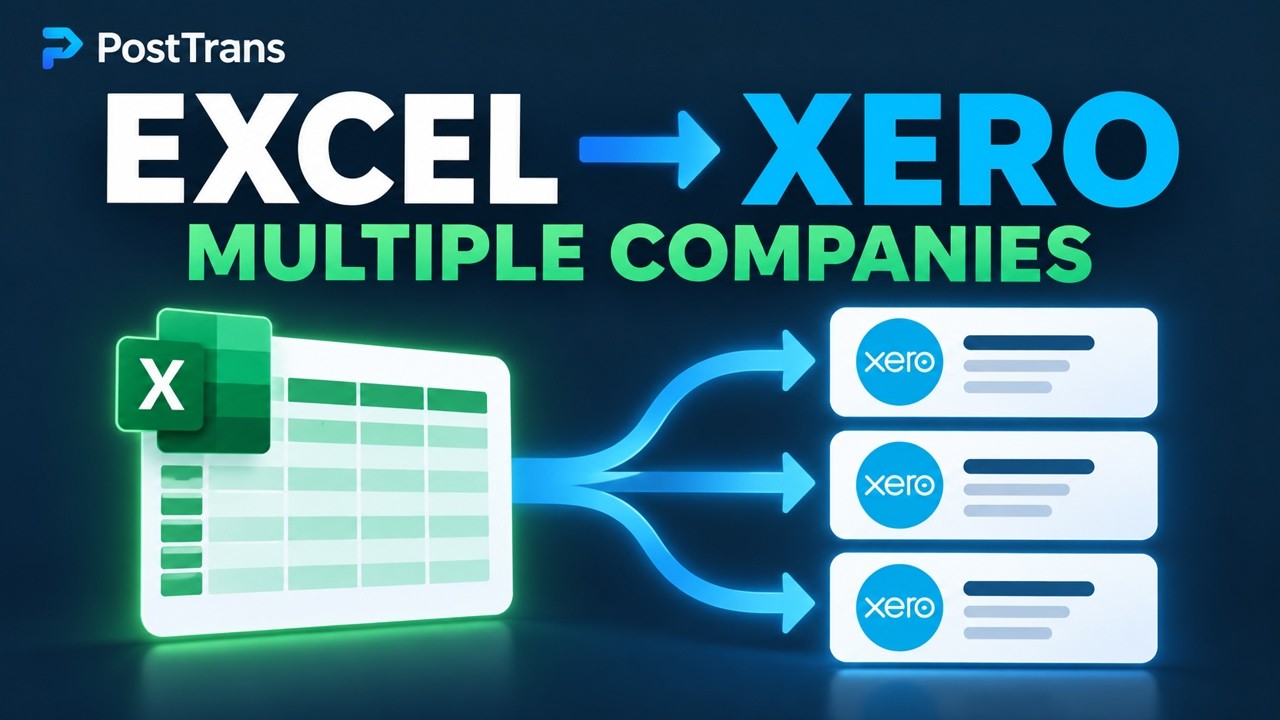
Sage 50 and Sage 200 are the same principle
BUILT AROUND THE WAY YOU WORK
Familiar Excel tools. Practical support.
Everything you need to make it your own.
Full product available for instant evaluation in a demonstration company. Purchase a subscription by credit card to instantly enable the software on a live company.
Online training videos show you how to design your own data-entry templates, starting with the many examples included.
View online trainingLook up associated Xero values such as products, customers and nominal account codes within cells for easy data entry.
Simple licensing, paid monthly per user. Basic and Pro versions are available, and subscriptions can be cancelled online.
Simple to use, with many Excel and Sage examples, help and online training to get you up and running quickly.
Use Excel formulae, macros or VBA to create order-entry templates, telesales entry or sheets customers can use to place Sage orders.
 CONNECT YOUR BUSINESS SYSTEMS
From your systems.
Straight into Sage.
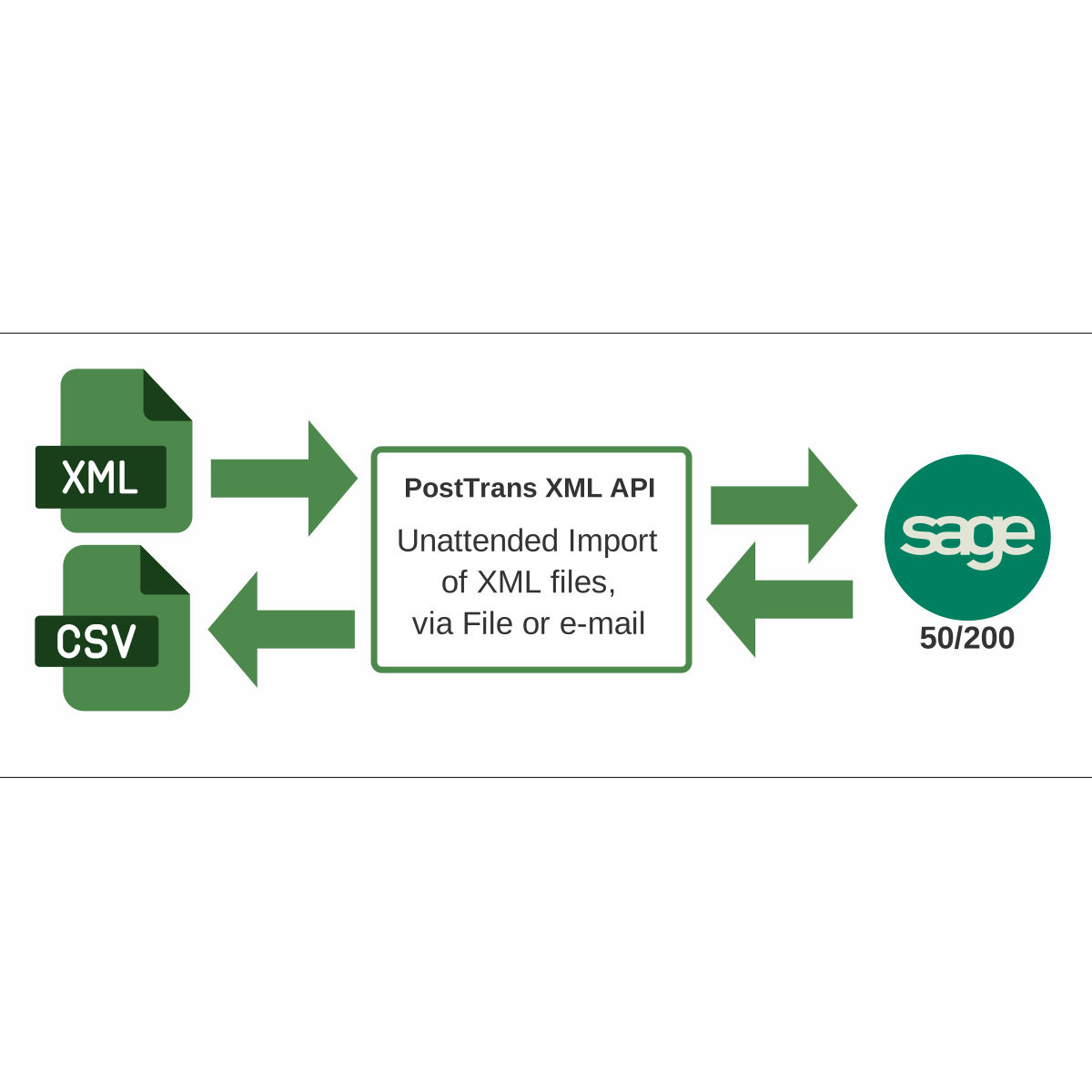
Connect business applications, web stores and cloud services to Sage 50 or Sage 200 using straightforward XML files. PostTrans handles the import, using its established engine to validate your data before it reaches Sage.
Deliver XML through a watched folder, SFTP or a supported email workflow. Import supported records and transactions—from customer details to orders, invoices and nominal journals.
REAL WORK. REAL DIFFERENCE.
We use PostTrans to update our price matrix in Excel. We simply extract the existing customer special price data, amend using Excel formulae, and post it back into Sage, saving many hours and reducing mistakes.
We have used PostTrans as our primary data-entry system for over 5 years. It is reliable and fast; allowing our team to process orders through our own customised Excel interface straight into Sage, with additional functionality not available within our core accounts system.
We use PostTrans to manage our complex bills of materials in Excel and push changes to Sage. Being able to extract, amend and re-import saves us loads of time.
LET’S TALK ABOUT YOUR WORKFLOW
Have a question about PostTrans or need help choosing the right solution?
Tell us what you’d like to do—we’re here to help.